
Download Free Fire MAX APK
Download Free Fire MAX refers to getting the installation file for Free Fire MAX — Garena’s enhanced, Ultra HD version of the popular battle royale game — directly from the official Google Play Store or Apple App Store.
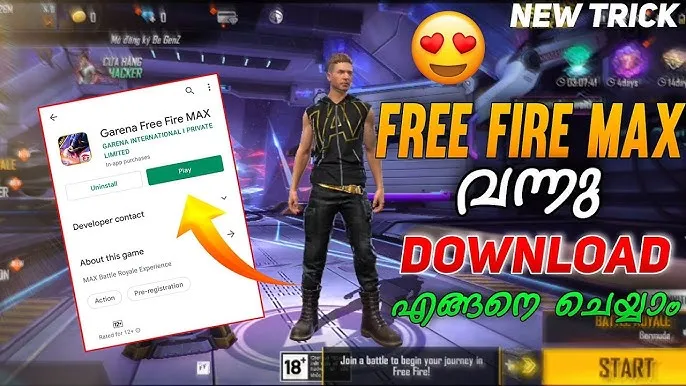
How to Download Free Fire MAX APK
The safest and most reliable way to get Free Fire MAX is directly through the official Google Play Store, which guarantees automatic updates and a verified, malware-free installation.
- Open the Google Play Store on your Android device.
- Search for “Free Fire MAX” in the search bar.
- Select the official listing published by Garena International I Private Limited.
- Tap Install and wait for the download to complete.
You can go directly to the official listing here: Free Fire MAX on Google Play Store
For official news, updates, and support, visit Garena’s official Free Fire site: Garena Free Fire Official Website
How to Install Free Fire MAX
Once the Download finishes, installation is quick and straightforward:
- Locate the Free Fire MAX icon in your app drawer or notification bar once the download completes.
- Tap Open (Play Store installs automatically — no manual APK steps are needed).
- Grant the requested permissions (storage, microphone for voice chat, etc.) when prompted.
- Wait for the initial in-app resource download to finish — this can take a few minutes depending on your connection.
- Log in using your existing Free Fire ID, Facebook, Google, or VK account to keep your progress synced.
- Once logged in, you’ll land in the lobby and can jump straight into a match.
Tip: Always keep the app updated through the Play Store to access the latest maps, events, and performance improvements — outdated versions can lose connection to live servers during major updates.